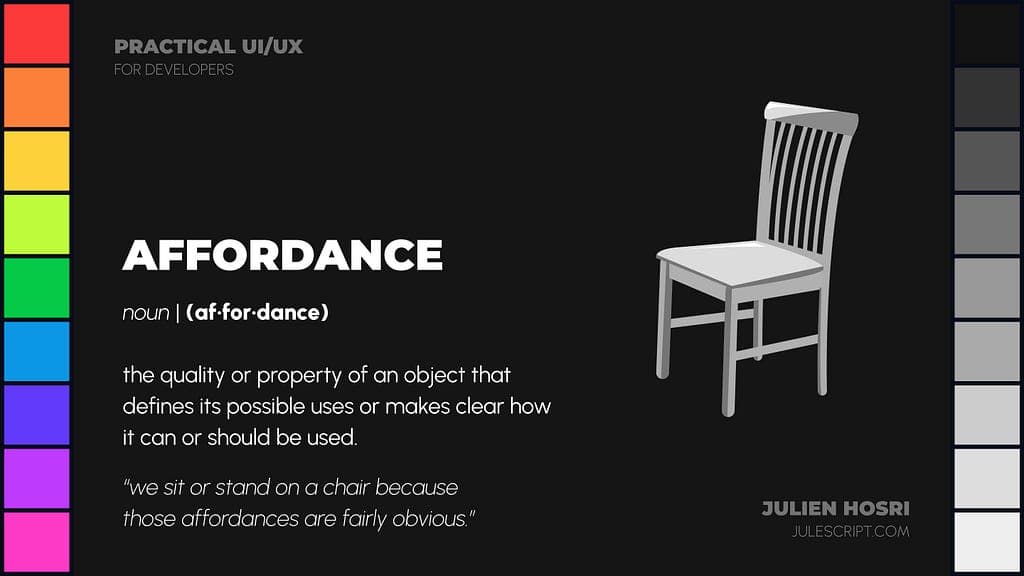
This note expands on a section of an earlier talk of mine. If you want the broader context first, start with Shampoo bottles & practical UI/UX, affordance is one stop on a larger tour of the principles developers need.
Good software doesn't need a tutorial. It tells you, before you do anything, what it is going to do if you touch it. That silent, pre-action conversation is affordance.
The word comes from James J. Gibson, a perception psychologist writing in the late 1970s. He used it to describe what the environment offered an animal. A branch affords perching. A surface affords walking. A gap affords jumping, or doesn't. An affordance is not a property of the object alone, it's a relationship between the object and the body standing in front of it.
Don Norman brought the term into design in 1988. In software, we inherited the word and quietly shrank it. Today it usually means "a button looks clickable". That's not wrong, but it misses the scope of what's actually being designed.
What affordance actually is in software
Every surface of your product is making a promise. A link promises navigation. A chevron promises disclosure. A draggable handle promises reorder. A text field promises input. A toggle promises a binary state that persists.
The visitor reads those promises in a glance, not by trial. That reading happens before any click. If the promises are honest, the product is easy. If the promises are misleading, the product is hostile, and the user gets blamed for "not knowing how to use it".
Affordance is the contract your interface signs with the human, before they do anything.
Most software breaks that contract in three quiet ways.
1. Elements that look interactive but aren't
A card with padding, a subtle shadow, and a hover-like colour. The user clicks. Nothing happens. They try again. They right-click. They scroll. They move on and feel mildly stupid for a few seconds before blaming the product.
The card offered an affordance the system didn't honour.
This happens constantly in design systems where "card" is a primitive and "clickable card" is a variant. The visual language for the two collapses. The affordance evaporates.
2. Elements that are interactive but don't look like it
An icon that opens a panel, but it's aligned flush with a row of non-interactive icons in the header. A label that's actually a link but has no underline. An area of a chart that's draggable but shows no grab cursor.
The user never discovers the feature. Then a product manager comments in a review that "usage is low, we need to remove it". The feature wasn't unused, it was invisible.
3. Elements that offer the wrong affordance
A chevron pointing right suggests navigation. But in your interface, it expands a dropdown in place. A three-dot menu suggests more actions. But in your interface, it pins the item. A disabled-looking button that is actually enabled, or vice versa. A state that reads as "off" but is in fact "on".
Each one is a broken contract. The visitor relied on the signal and the system lied.
Why this is a UX problem before it's a visual problem
Affordance is commonly framed as a visual design concern: shadows, colour, hover states. That's downstream. The upstream problem is architectural.
If your information architecture treats two different things as the same primitive, no amount of hover styling will fix it. If your interaction model offers the same gesture for two different outcomes, affordance collapses regardless of how clean the pixels are.
So the question "why doesn't this feel obvious?" almost always unwinds to structure, not surface.
The checks I run on every surface
These are the questions I take into an audit. They're blunt on purpose.
- Can a new user tell what this does without clicking? If no, we're relying on discovery, which is a slow, optional tax. Fix the signal.
- Does every interactive element look interactive, at rest? Hover states are a reward for effort the user shouldn't need to make. Rest-state affordance is the honest version.
- Does every non-interactive element look non-interactive? Padding, shadows, borders, and hover colours all over-promise. Strip them on static surfaces.
- Does the shape of the affordance match the outcome? A chevron-right for navigation, a chevron-down for disclosure. A drag handle for reorder, not for resize. A toggle for binary states, a dropdown for enumerations.
- Does the affordance survive state changes? A disabled button should read as disabled in every context. An error state shouldn't look like a normal resting state. A selected row shouldn't look like a hover.
If the interface fails these, we're not looking at a paint problem. We're looking at a system problem.
Affordance under AI-generated UIs
In 2026 most shipped UIs have AI-generated surfaces somewhere in the stack. That hasn't made affordance easier, it's made it harder.
A generator optimises for visual novelty, not semantic honesty. It produces cards that look interactive because cards get shadow presets. It produces chevrons because chevrons render well. It does not model the promise each element is making to the user, because that promise doesn't exist in the training data as a distinct axis.
The human's job is now affordance review: take the generated surface and ask, for each element, what it promises and whether the system keeps that promise. The faster the AI generates, the more affordance review there is to do. This is not optional, it's the new QA.
The short version
Affordance is not a style detail. It's the product's most public contract with the human in front of it. Honest affordance makes software feel intuitive. Dishonest affordance makes it feel broken, even when every feature technically works.
The cheapest design investment with the highest leverage is to walk through your product and ask, for every surface, the same blunt question: what am I promising here, and am I keeping it?
Everything else is downstream of that answer.
If a senior second pair of eyes on your product would be useful, this kind of affordance review is part of what I cover in a UX audit.